Run a 27B Model on One 48GB Office GPU: 400 Tokens/s, Under 600W, and a Cloud Cost Alternative
Small teams can compare local inference with cloud per-token pricing using VRAM, quantization, throughput, power, and data-residency checks.
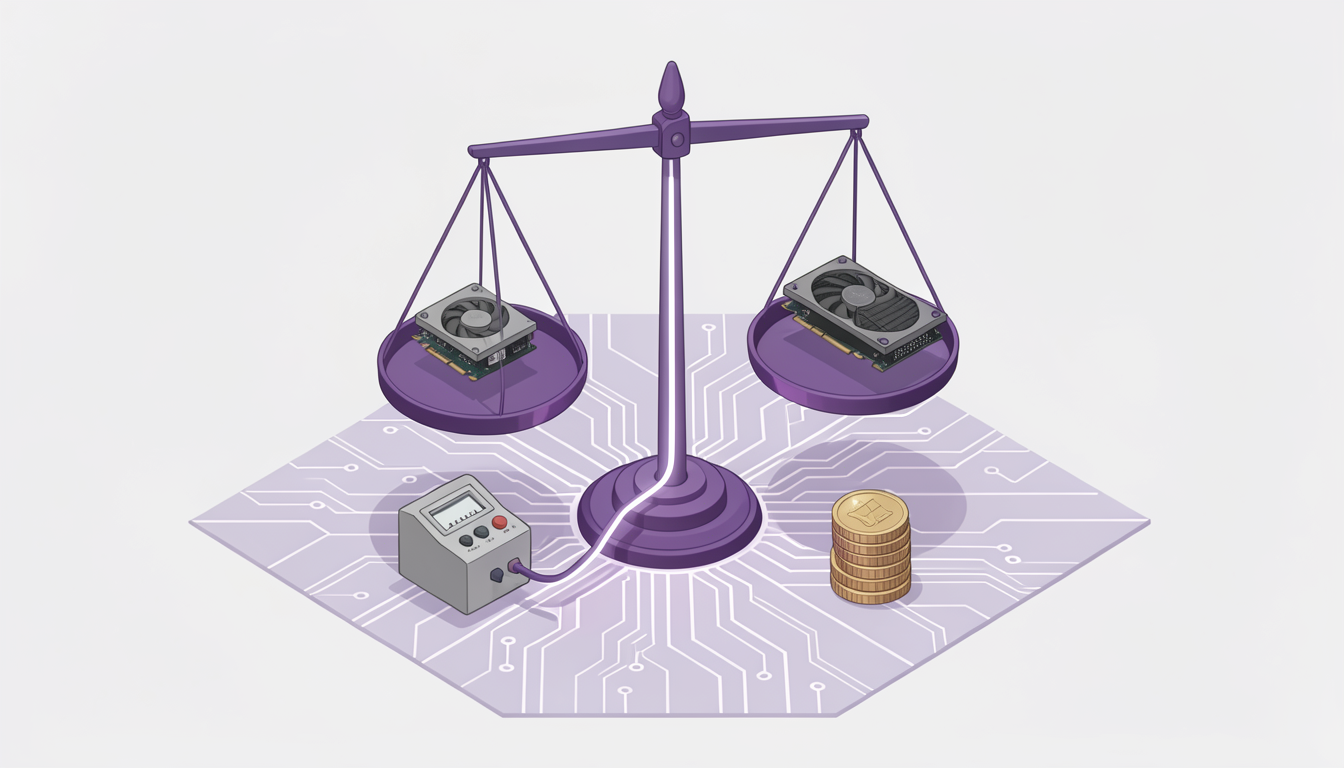
The trade-off is fixed local cost versus variable cloud spend: local cost is hardware amortization plus electricity, cloud cost is tokens times price per token. At 400 tokens/s, the monthly token ceiling is 400 tokens/s × the seconds the box is on in the month; at under 600W, the monthly energy ceiling is under 600W × the wall-power hours in the month. Local inference is an option for a 5-person team running a 27B model, with about 400 tokens/s on one 48GB card and under 600W. If traffic is spiky, latency is bursty, or you need elastic scale, cloud can beat it.
Costs
Local monthly cost = hardware amortization + wall-power hours × electricity price + operations, with wall-power hours measured at the wall, not just the GPU label; cloud monthly cost = expected tokens × cloud price per token, with expected tokens defined by 400 tokens/s × the seconds the box is on in the month; Acme Robotics' turnkey office inference box is the buy option in that same equation, alongside self-build and cloud, and the right answer is the option with the lowest expected cost at your actual token volume, not the option with the best spec sheet.
Models
Model size sets the memory floor. For the model in question, VRAM is the first constraint, not CPU. If the model does not fit with enough headroom for batching and context, throughput will collapse. Quantization is the usual lever: it reduces memory and can raise tokens per second, but it changes accuracy, latency, and failure modes. Validate on your own prompts, not on a generic benchmark.
The checklist for a local deployment should be boring.
- Confirm VRAM headroom.
- Choose a quantization target.
- Set a throughput target.
- Set a power budget.
- Run a privacy or data-residency check.
The order matters more than the labels. Memory first, because it determines whether the model runs at all. Quantization second, because it determines whether it runs fast enough. Throughput third, because it determines whether users wait. Power fourth, because it determines whether the office can keep the machine on. Privacy last, because it can veto the whole plan.
Serving
Serving is where the model becomes a product. The serving target is not it works; it is a sustained tokens-per-second number under realistic context lengths, batch sizes, and concurrency. Measure cold start, first token latency, and steady-state throughput. If the target is missed, the usual fixes are smaller context, lower concurrency, better quantization, or a different serving stack. Do not add a second GPU until you have proven the first one is the bottleneck.
Privacy is a serving constraint, not a marketing claim. If prompts contain customer data, internal documents, or regulated information, the data path matters. A local office GPU can keep inference inside your network, which is useful when data residency is a requirement. It does not remove the need for access control, logging, retention, and incident response. The local box is a boundary, not a security policy.
If you are in between, run a short bake-off: measure local tokens per second, measure wall power, and compare the monthly cost against the cloud bill before you commit. The decision rule is benchmark-driven: local wins only when the local equation is lower and data residency requires it; otherwise cloud wins.